
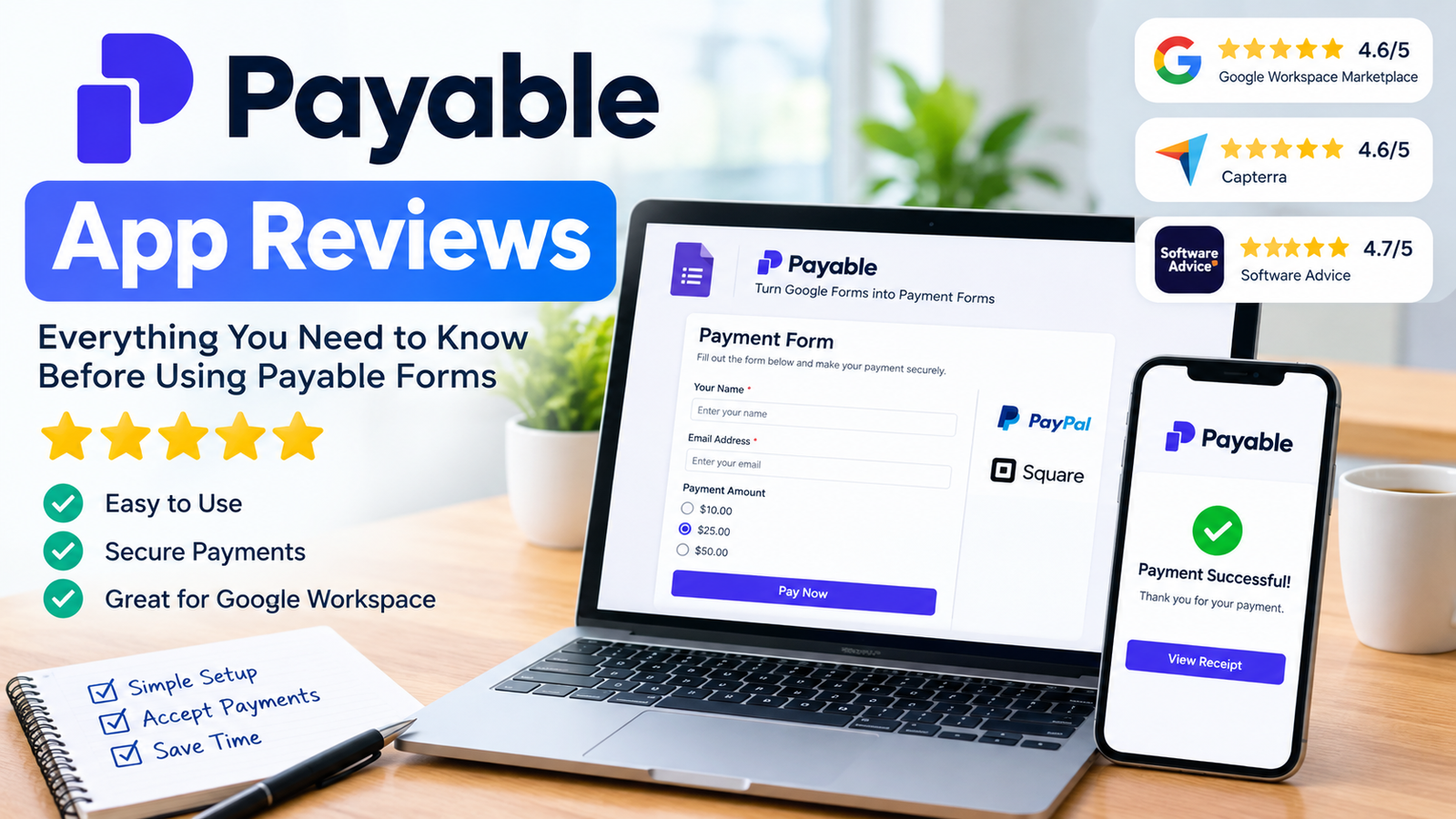
Payable App, created by Payable Inc. and available at payableapps.com, is a Google Workspace add-on that turns a standard Google Form into a payment collection form, letting users accept money through connected processors like PayPal and Square directly from form submissions. User reviews across the Google Workspace Marketplace, Capterra, and Software Advice are consistently positive, with ratings in the 4.6 to 4.8 range. The app is best suited for small organizations, nonprofits, and individuals who need a simple way to collect payments without building a separate e-commerce system.
What Is Payable App and How Does It Work?
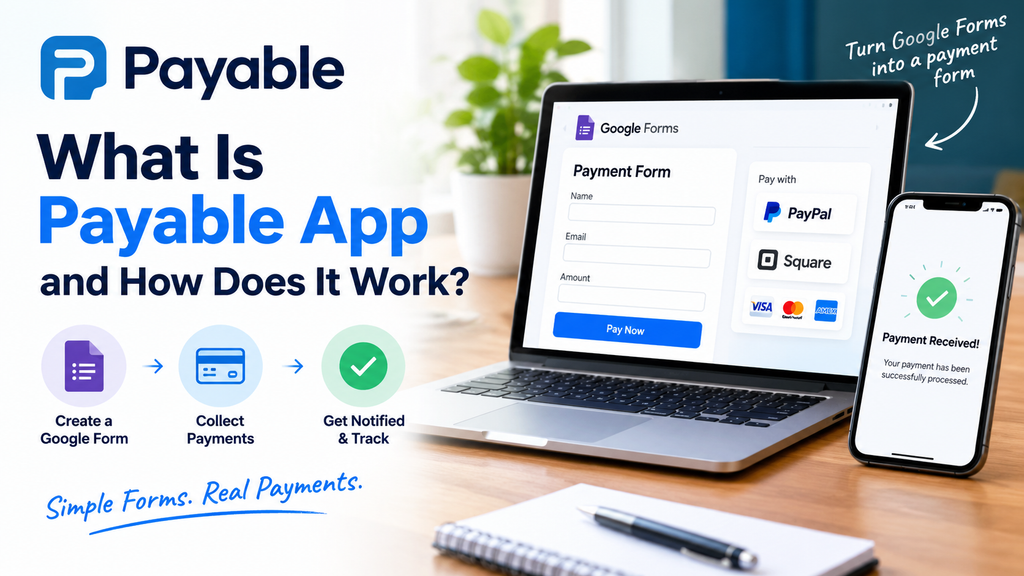
Payable App is a Google Forms and Google Sheets add-on that converts form responses into trackable, payable transactions. Once installed from the Google Workspace Marketplace, users build a standard Google Form and connect it to a supported payment processor, after which every form submission can trigger a payment request tied to the respondent’s answers. A companion tool, the Payable Sheets Invoicing Add-On, extends this functionality by generating and sending invoices directly from Google Sheets, letting users track who has paid and send reminders from a spreadsheet they’re already using.
This approach appeals to users who want payment collection without learning new software, since the entire workflow happens inside tools most people already use, Google Forms and Google Sheets, rather than a separate platform with its own learning curve.
What Do User Reviews Say About Payable App?
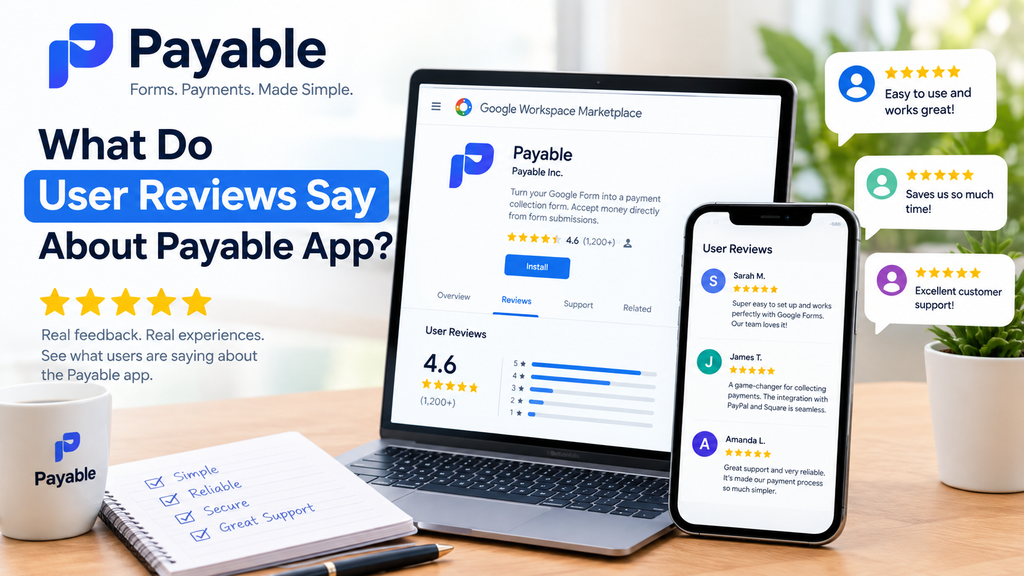
Payable App has earned strong, consistent ratings across major software review platforms. On the Google Workspace Marketplace, the app holds an average rating of 4.6 stars from more than 463,000 users, which reflects substantial real-world usage rather than a small early-adopter sample. On Capterra and Software Advice, Payable shows a narrower but still strong score, sitting at 4.8 out of 5, with particularly high marks for customer support and functionality.
What Do Users Like Most About Payable App?
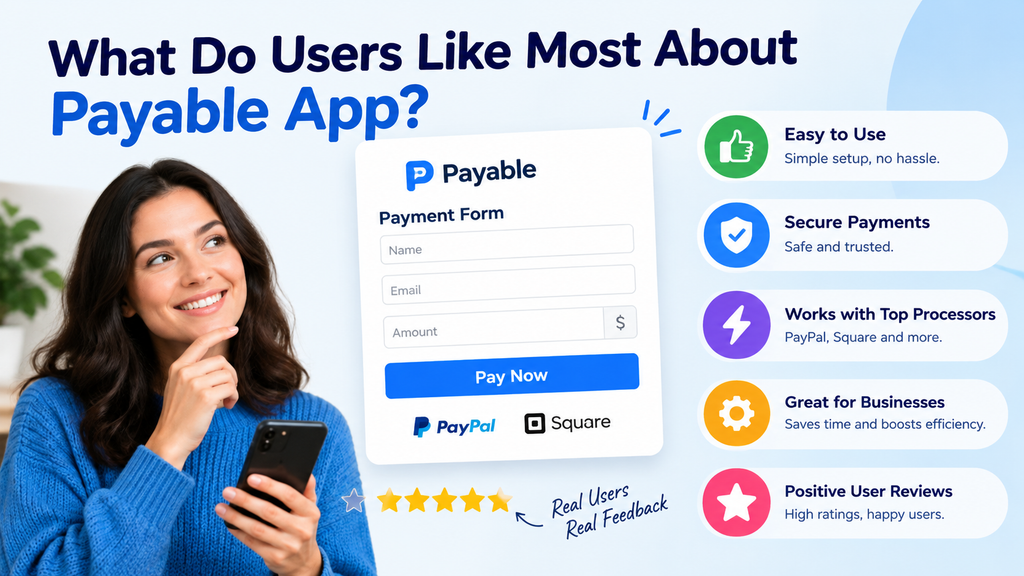
Ease of setup is the most frequently praised aspect of Payable App across review platforms. One reviewer on the Google Workspace Marketplace described setting up a custom order form connected to a Square account in roughly ten minutes, while another noted the app worked well for organizing a jersey and uniform order through PayPal. Reviewers on Capterra and Software Advice echoed this, consistently citing simplicity of use as the product’s main advantage, alongside praise for responsive customer support and quick implementation of user-suggested improvements.
What Do Users Dislike About Payable App?
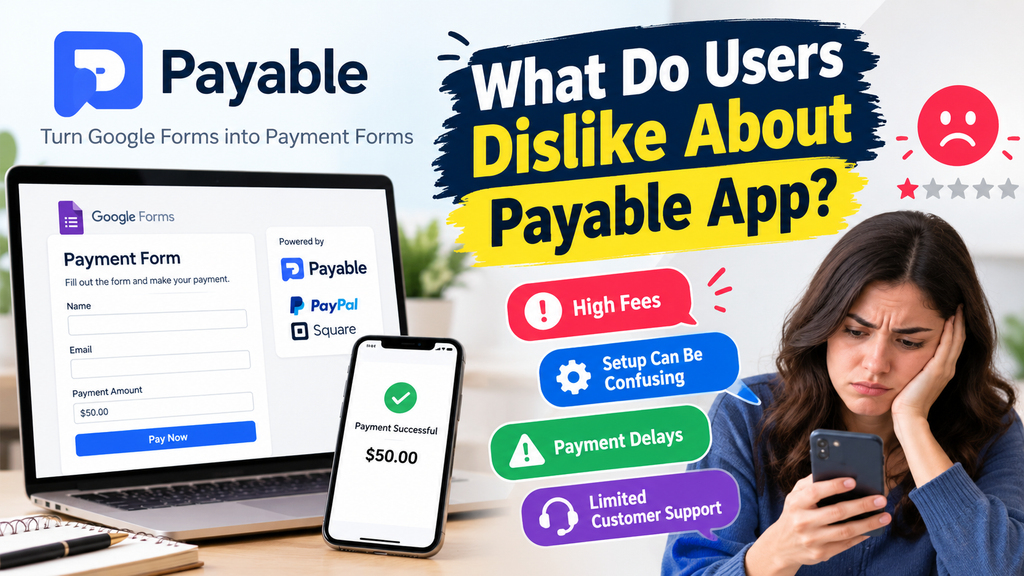
Fees and limited reporting are the most common criticisms found in Payable App reviews. Several reviewers mentioned that transaction fees, while clearly disclosed, can feel like a drawback for users on tight budgets, and that basic analytical reporting is missing from the platform, which becomes more noticeable when handling bulk form submissions. A smaller number of reviews mention occasional technical glitches, including one case where a reviewer reported the add-on failing to load properly within their form.
What Are the Pricing and Integration Options for Payable App?
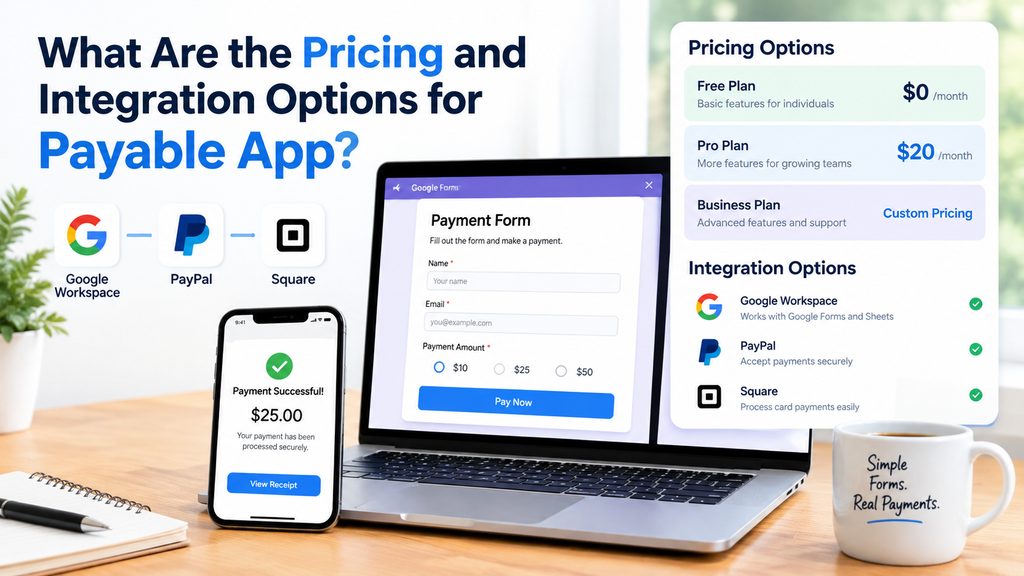
Payable App’s core appeal comes from its integration flexibility combined with transparent, if sometimes criticized, fee-based pricing. The app connects with external payment processors rather than processing payments independently, with PayPal and Square cited most frequently in user reviews as the connected processors. Specific pricing details are typically provided upon request through the vendor rather than published as flat public rates, which is common among smaller SaaS tools that adjust pricing based on usage volume or organizational size.
Who Is Payable App Best Suited For?
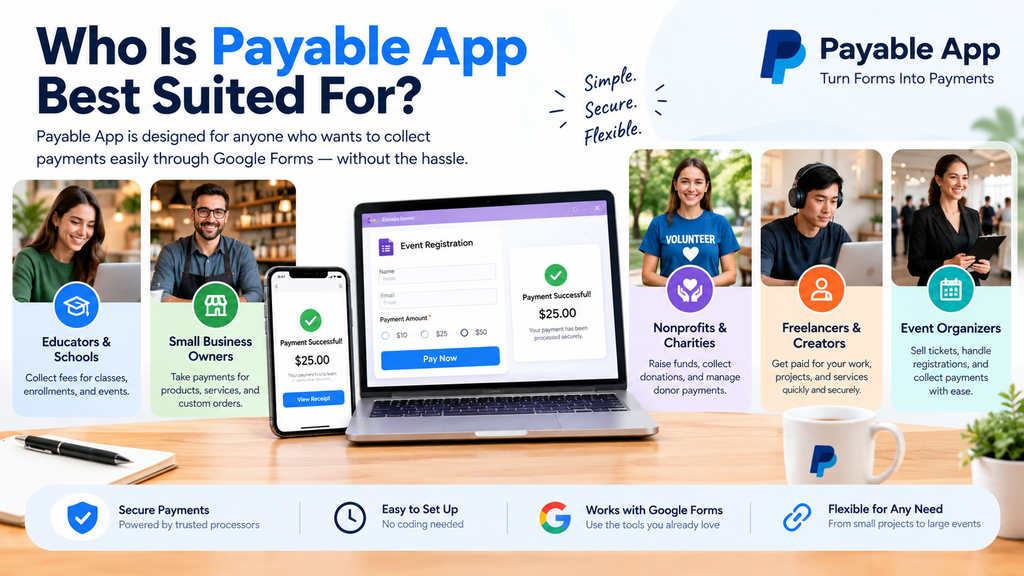
Small organizations, nonprofits, and individuals handling occasional or moderate-volume payment collection are the best fit for Payable App. Based on user feedback, common use cases include nonprofit event registration, youth sports uniform orders, and small custom order forms, scenarios where a lightweight, Google-native solution outperforms a more complex, dedicated e-commerce platform. Businesses needing advanced reporting, high-volume transaction processing, or deep accounting system integrations may find the app’s simplicity becomes a limitation rather than an advantage.
How Does Payable App Compare to Dedicated Accounts Payable Software?
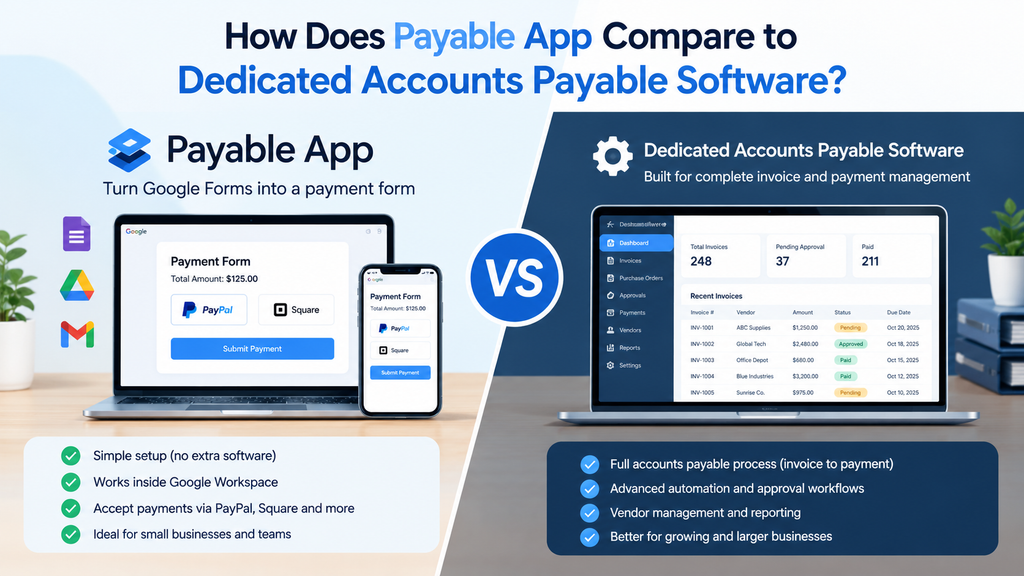
Payable App should not be confused with enterprise accounts payable automation software, which serves a fundamentally different purpose despite the similar name. Platforms like Bill.com, Ramp, and Tipalti are built for businesses managing outgoing payments, invoice approvals, and vendor payment workflows at scale, often with ratings in the 4.2 to 4.5 range on review platforms like Gartner. Payable App, by contrast, is a payment collection tool built on Google Forms, designed for incoming payments from individuals filling out a form rather than managing a business’s outbound payables process.
This distinction matters for anyone researching “Payable app reviews,” since search results often mix genuine reviews of the Google Forms add-on with reviews of unrelated enterprise accounts payable platforms that happen to share similar terminology.
Common Misconceptions About Payable App
A common misconception is that Payable App functions as a full accounting or invoicing system on its own. In practice, it’s a form-based payment collection tool that relies on external processors like PayPal or Square to actually move money, with its own role limited to connecting form responses to those payment flows. Another misconception is that the strong review scores mean the app has no meaningful limitations; while ratings are consistently high, recurring complaints about transaction fees and limited reporting indicate it’s best suited for simpler, lower-volume use cases rather than complex financial operations.
Some users also assume “Payable” refers to a single, unified product category. In reality, the name overlaps with both the Google Forms add-on built by Payable Inc. and the broader category of enterprise accounts payable automation software, two distinctly different kinds of tools that solve different problems.
Conclusion
Payable App reviews consistently point to a simple, well-supported Google Forms and Sheets add-on that works best for small-scale payment collection, event registration, and order forms, backed by strong ratings around 4.6 to 4.8 across major review platforms. Its main drawbacks, transaction fees and limited reporting, are worth weighing against its ease of setup and native Google Workspace integration before adopting it for higher-volume needs. Readers exploring this topic further might also look into dedicated invoicing tools for Google Sheets or compare Payable App directly against standalone payment form builders like Jotform or Formstack.
Frequently Asked Questions (FAQ)
1. What is Payable App?
Payable App is a Google Workspace add-on that helps users collect payments through Google Forms by connecting forms to supported payment processors.
2. Is Payable App legit?
Payable App is presented as a payment collection tool for Google Forms and Google Sheets. Before using it, verify the official listing, current permissions, payment terms, and supported integrations.
3. What do Payable App reviews say?
User feedback highlighted in this article is generally positive, particularly regarding ease of setup, customer support, and integration with Google Workspace. Some users report concerns about fees and limited reporting.
4. Does Payable App support PayPal and Square?
The article identifies PayPal and Square as supported payment integrations. Check the current product documentation to confirm availability and compatibility with your account.
5. How much does Payable App cost?
Pricing may depend on the provider’s current plans and fee structure. Check the official Payable App website for up-to-date subscription costs and transaction fees before signing up.
6. Who should use Payable App?
It may suit small businesses, nonprofits, schools, sports teams, and individuals who need to collect payments for registrations, events, or custom orders through Google Forms.
7. What are the disadvantages of Payable App?
Potential drawbacks include transaction fees, limited reporting features, and occasional technical issues. These limitations may matter more to organizations handling large numbers of payments.
8. Is Payable App a full accounting system?
No. Its primary purpose is to connect form submissions with payment collection. Businesses needing comprehensive accounting, vendor payments, or advanced financial reporting may require dedicated software.
9. Is Payable App the same as accounts payable software?
No. Payable App focuses on collecting incoming payments through forms, whereas accounts payable software typically helps businesses manage outgoing payments, supplier invoices, and approvals.
10. Is Payable App worth using?
Payable App may be worth considering if you want a straightforward payment collection workflow within Google Workspace. Compare its current fees, features, and reporting capabilities with alternatives before deciding.