
A 360 pano AI app is software that uses artificial intelligence to create or convert images into seamless 360-degree panoramas, either from a text description or an existing photo, without needing a specialized 360-degree camera. These apps produce what’s called an equirectangular panorama, a wide, 2:1 ratio image format that wraps fully around a viewer when opened in VR headsets, panorama viewers, or game engines. They’ve become popular for virtual tours, game environment design, architectural visualization, and immersive storytelling.
What Does a 360 Pano AI App Actually Do?
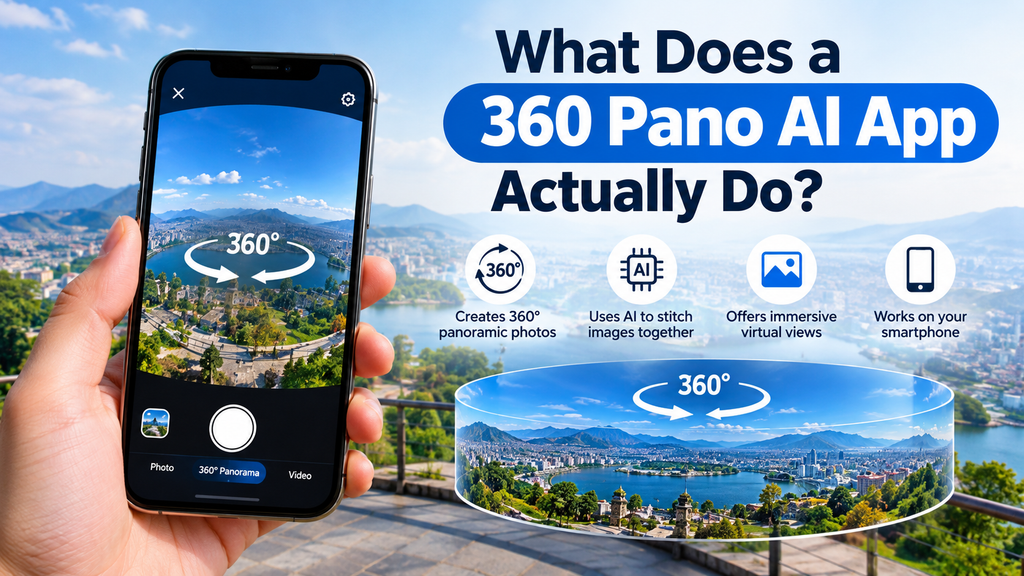
A 360 pano AI app converts a text prompt or a single photo into a complete, wraparound 360-degree scene that a viewer can look around in every direction. Rather than requiring multiple photos stitched together, as traditional panoramic photography does, these tools use AI image models to generate or extend content so that the left and right edges of the image connect seamlessly, creating the illusion of a continuous environment. Some tools generate panoramas entirely from a written description, such as “a futuristic cityscape at night” or “a serene alpine valley,” while others take a single existing photo and expand it outward into a full spherical scene.
The output format matters because it determines where the panorama can be used. Most AI 360 pano generators export in the 2:1 equirectangular format, which drops directly into 360° viewers, VR headsets, and 3D engines like Three.js, A-Frame, Unreal, Blender, and Unity. This standardization means a panorama generated in one app will generally work correctly in most third-party viewers and platforms without additional conversion.
How Does AI Turn a Prompt or Photo Into a 360° Panorama?
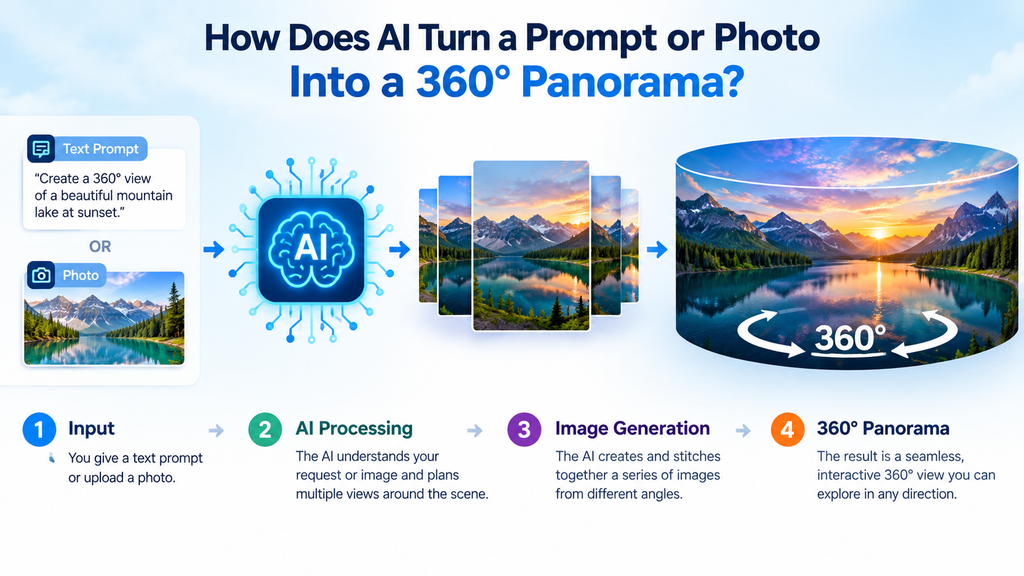
AI 360 panorama generation works by analyzing spatial cues in an image or prompt and extending them in a way that wraps consistently around a full sphere. For image-based tools, the AI typically detects room or scene layout, depth, lighting, materials, and spatial relationships to understand the full environment before generating the missing portions of the scene. For text-based tools, the system interprets the description and generates an image specifically structured for panoramic wraparound rather than a standard flat image.
What Makes Equirectangular Panoramas Different From Regular Wide Photos?
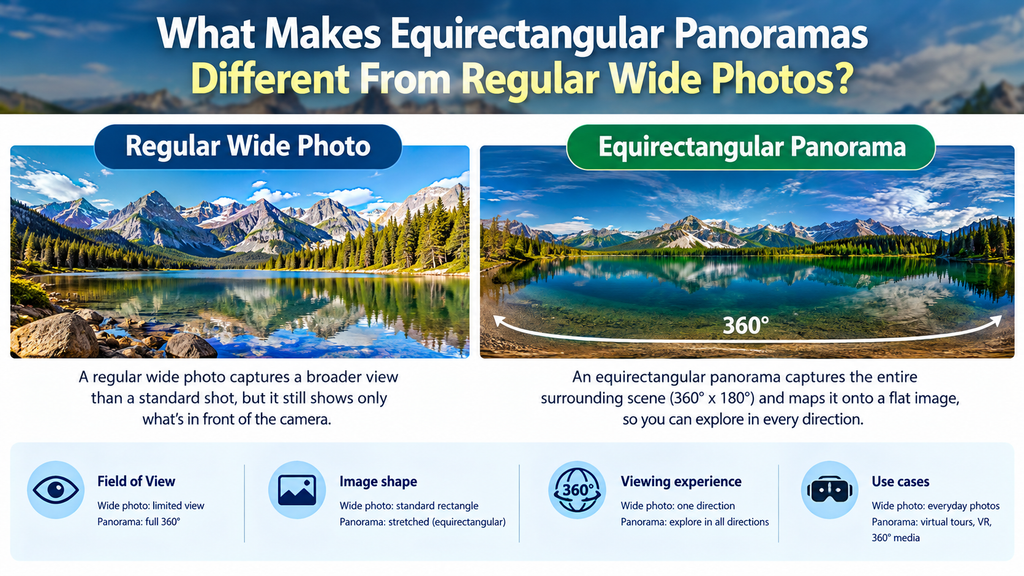
An equirectangular panorama is a specific projection format where a full spherical view is flattened into a rectangular image with a 2:1 width-to-height ratio, allowing it to be mapped back onto a sphere for viewing. Unlike a simple wide-angle or stitched panorama, an equirectangular image must account for distortion at the top and bottom of the frame, since those areas represent the sky or ceiling and the ground when wrapped onto a sphere. This is why not every wide image qualifies as a true 360° panorama; the specific projection and seamless edge-wrapping are what make it compatible with VR headsets and 360° viewers.
How Do Text-to-360 and Photo-to-360 Approaches Differ?
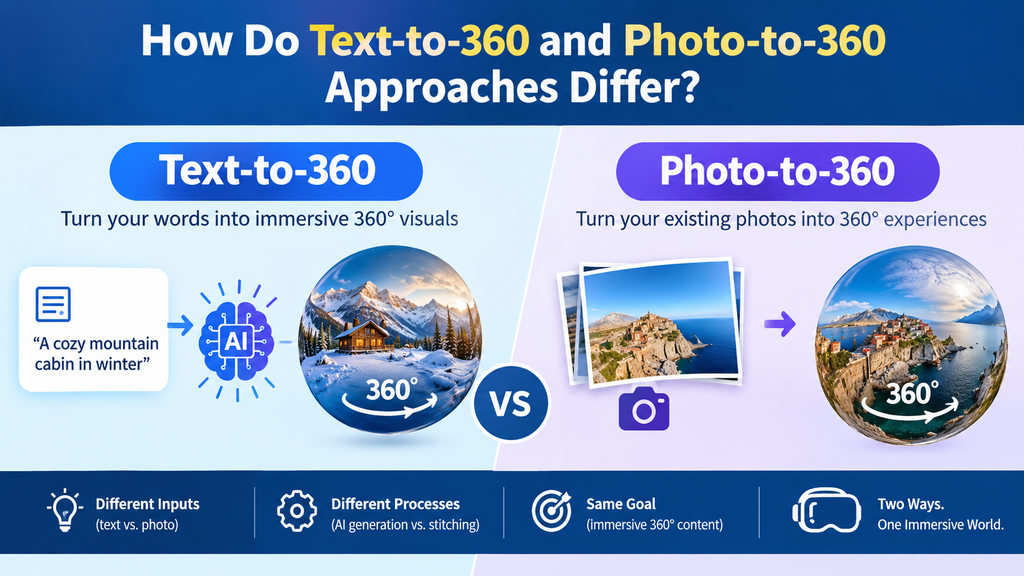
Text-to-360 tools generate an entire scene from a written description, while photo-to-360 tools expand an existing image outward to fill in the rest of the spherical view. With text-to-360, the AI rewrites or structures the prompt internally with panorama-specific cues so the underlying image model understands it’s generating a wraparound scene rather than a standard rectangular image. With photo-to-360, the AI uses the uploaded photo as a style and content reference, extending the visible scene in a way that matches the original lighting, color palette, and architectural or natural features.
What Are 360 Pano AI Apps Used For?
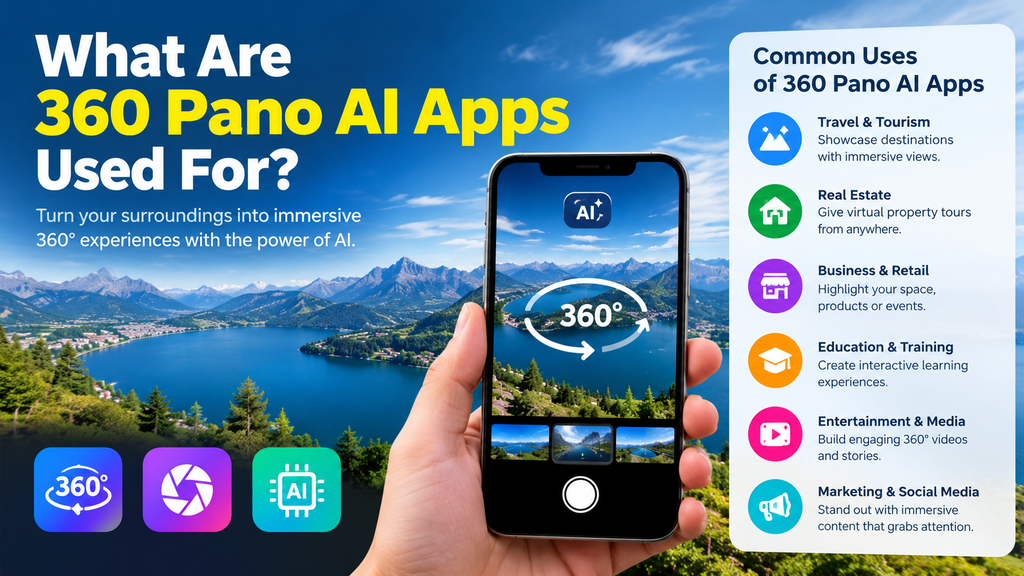
AI-generated 360 panoramas serve a range of practical and creative purposes across industries. Common applications include virtual real estate tours, game environment concept art, architectural visualization, VR experiences, and immersive storytelling. Real estate agents and architects use these tools to generate realistic walkable previews of spaces before construction is complete or without needing to physically photograph a location with specialized 360° camera equipment.
Game developers and 3D artists also use these tools to quickly generate skybox backgrounds and environment concept art, since AI panorama generators can produce multiple stylistic variations of a scene far faster than manually painting or compositing a traditional skybox. This speed advantage has made AI panorama tools a common part of early-stage concept development workflows in game design.
What Should You Look For in a 360 Pano AI App?
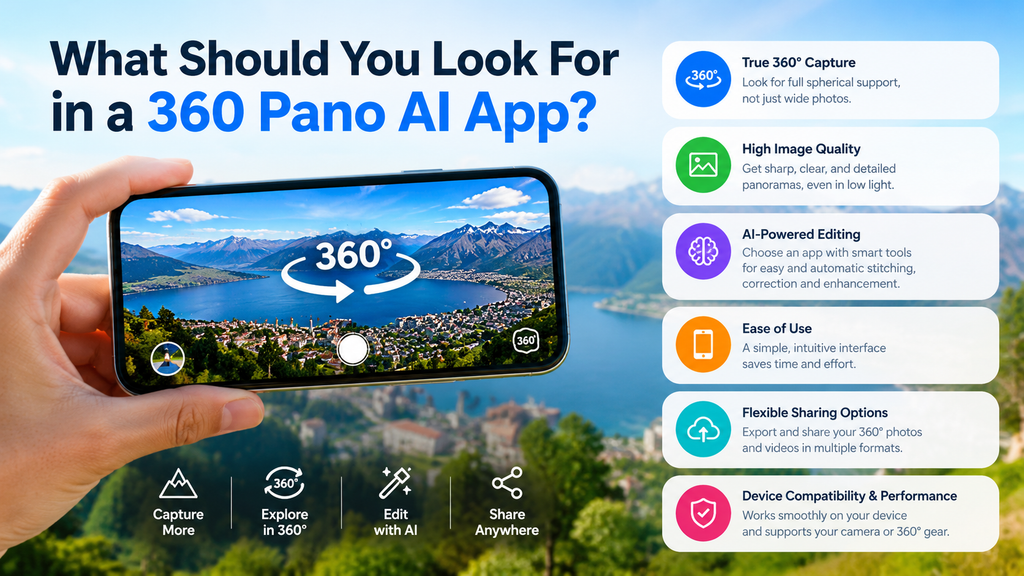
A good 360 pano AI app should offer both text-to-360 and photo-to-360 generation, since different projects call for different starting points. Beyond generation method, useful features include a built-in 360° viewer for previewing results without needing separate software, export resolution options (commonly ranging from 1K to 8K), and compatibility with common 3D engines and VR platforms. Some tools also support reference photos, allowing the AI to maintain a particular style, lighting condition, or color palette across generated scenes.
Do Any 360 Pano AI Apps Offer Free Access?
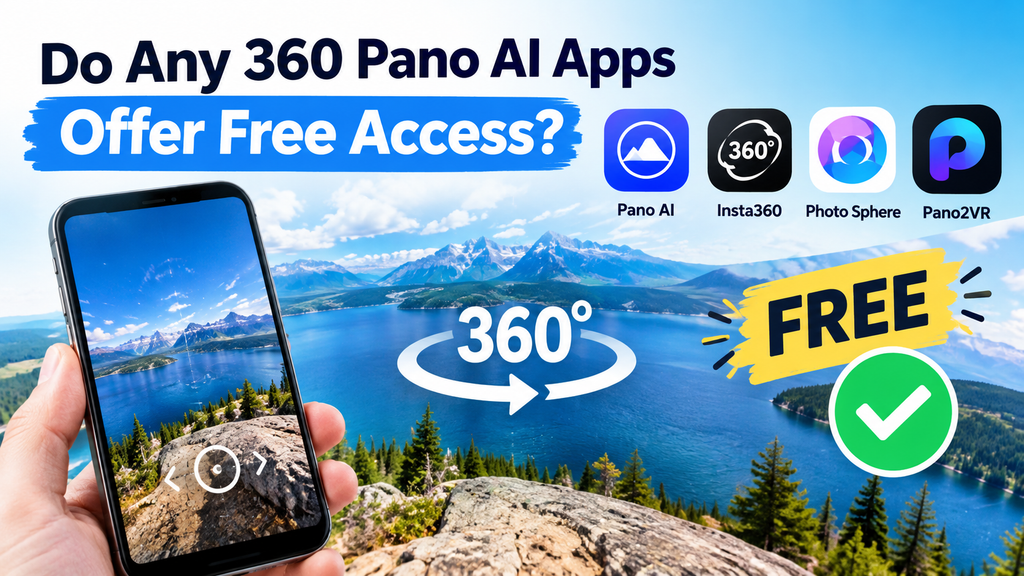
Free access varies significantly between 360 pano AI apps, with some offering free generation and others operating entirely on paid credits. Several tools in the current market, such as PanoPulse, offer free text-to-360 and image-to-360 generation, while others, like Happycapy’s panorama generator, require a paid plan with no free tier at all. Because AI panorama generation relies on computationally intensive image models, free tiers are often limited in resolution, generation count, or commercial usage rights compared to paid plans.
Common Misconceptions About 360 Pano AI Apps
A common misconception is that any AI-generated wide image counts as a usable 360° panorama. In reality, only images produced in the proper equirectangular format with seamless edge-wrapping will display correctly in VR headsets and 360° viewers; a standard wide or panoramic-looking image without that specific structure will appear distorted or broken when mapped onto a sphere. Another misconception is that AI panorama tools only work from text prompts. Many tools support both text-to-360 and photo-to-360 workflows, and photo-based generation is often preferred when realism or consistency with an existing space matters more than full creative freedom.
Some users also assume AI-generated panoramas are legally free to use for any purpose, including commercial projects. In practice, commercial usage rights often depend on the specific plan purchased, with many platforms reserving full commercial licensing for paid or Pro tiers rather than free generations.
Conclusion
A 360 pano AI app lets users generate seamless, VR-ready panoramic scenes from either a text description or a single photo, using AI to extend and wrap content into the equirectangular format required by 360° viewers and game engines. Whether used for real estate virtual tours, architectural visualization, or game environment concept art, these tools significantly reduce the time and equipment traditionally required to produce panoramic content. Readers exploring this topic further might also look into equirectangular image editing techniques or how AI-generated 3D environments compare to traditional 360° photography workflows.
Frequently Asked Questions
What is a 360 pano AI app?
It’s software that uses AI to generate or convert images into seamless 360-degree panoramas from a text prompt or an existing photo, without needing a specialized 360° camera.
Can AI actually generate a usable 360° panorama?
Yes — as long as the output is in the proper equirectangular format with seamless edge-wrapping, it will display correctly in 360° viewers, VR headsets, and 3D engines.
What’s the difference between text-to-360 and photo-to-360?
Text-to-360 generates an entire scene from a written description, while photo-to-360 expands an existing photo outward to fill in the rest of the spherical view while matching its lighting and style.
Is there a free AI 360 panorama generator?
It varies by platform — some tools like PanoPulse offer free generation, while others like Happycapy’s panorama generator require a paid plan with no free tier.
What file format do these apps export?
Most export a 2:1 equirectangular panorama, which is compatible with 360° viewers, VR headsets, and engines like Unity, Unreal, Blender, Three.js, and A-Frame.
Can I use AI-generated panoramas for commercial projects?
Not always by default — commercial usage rights often depend on the specific plan, with full commercial licensing frequently reserved for paid or Pro tiers rather than free generations.
What are these apps commonly used for?
Virtual real estate tours, architectural visualization, game environment concept art, VR experiences, and immersive storytelling.